External Provider
View your connected external provider (Google account) information.
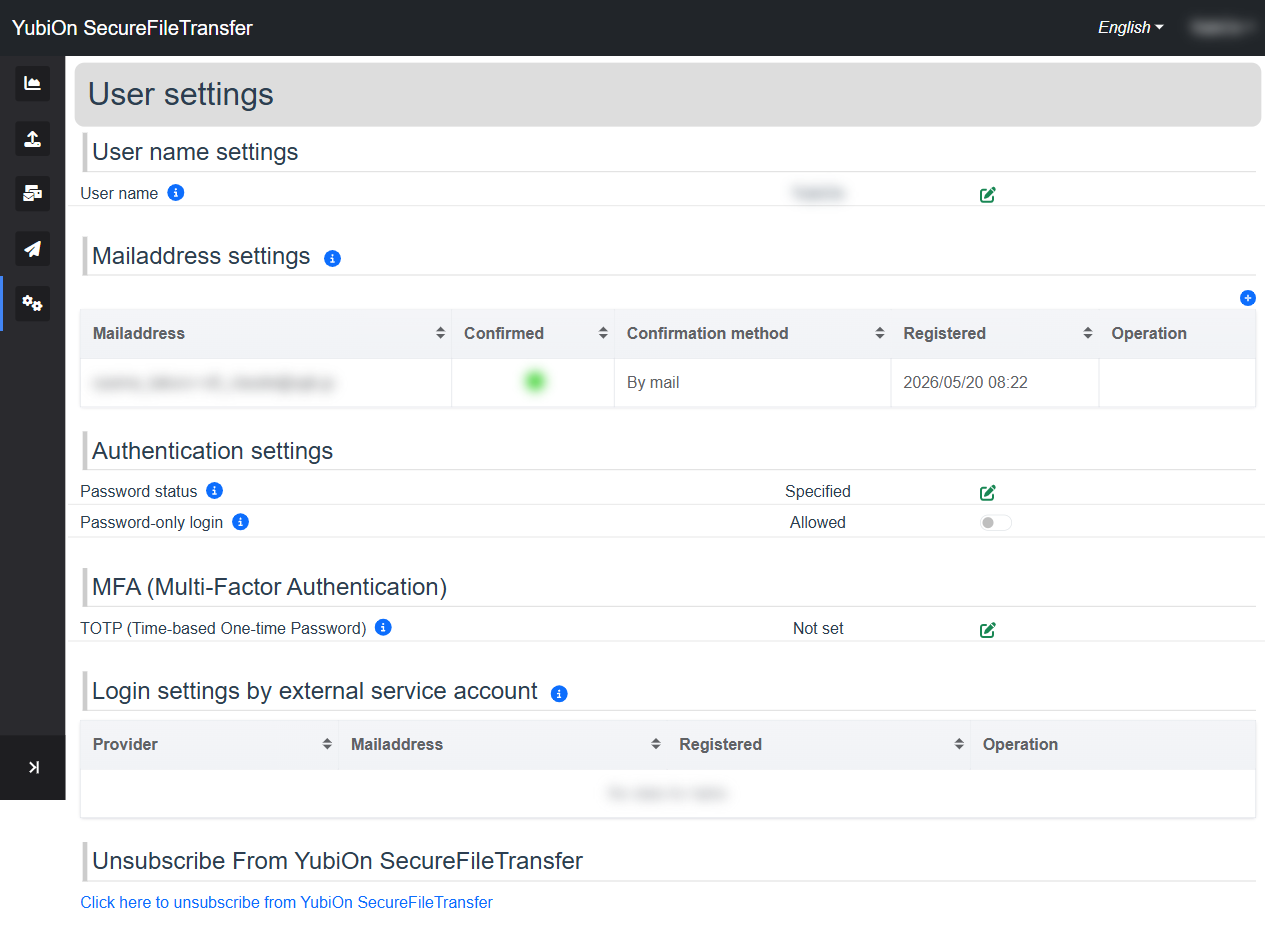
Provider List
Connected external providers are displayed in a list.
| Column | Description |
|---|---|
| Provider | The connected service (currently Google only) |
| Mailaddress | The email address of the connected Google account |
| Registered | Date and time the connection was made |
How to Connect a Google Account
Connecting a Google account is done at registration or login time.
- At registration: Select "Sign in with Google" on the registration screen to automatically create a connection
- At login: Logging in with a Google account creates the connection
INFO
Adding a new provider or removing an existing connection from the settings screen is not currently supported.
Using Your Provider Connection
A connected Google account lets you log in without a password using Google Sign-In.
It can also serve as an alternative authentication method when password-only login is set to "Denied".