Receive Detail & Download
View the details of a received file and download it.
Open this screen by clicking a title in the Inbox, or by opening a download URL shared by the sender.
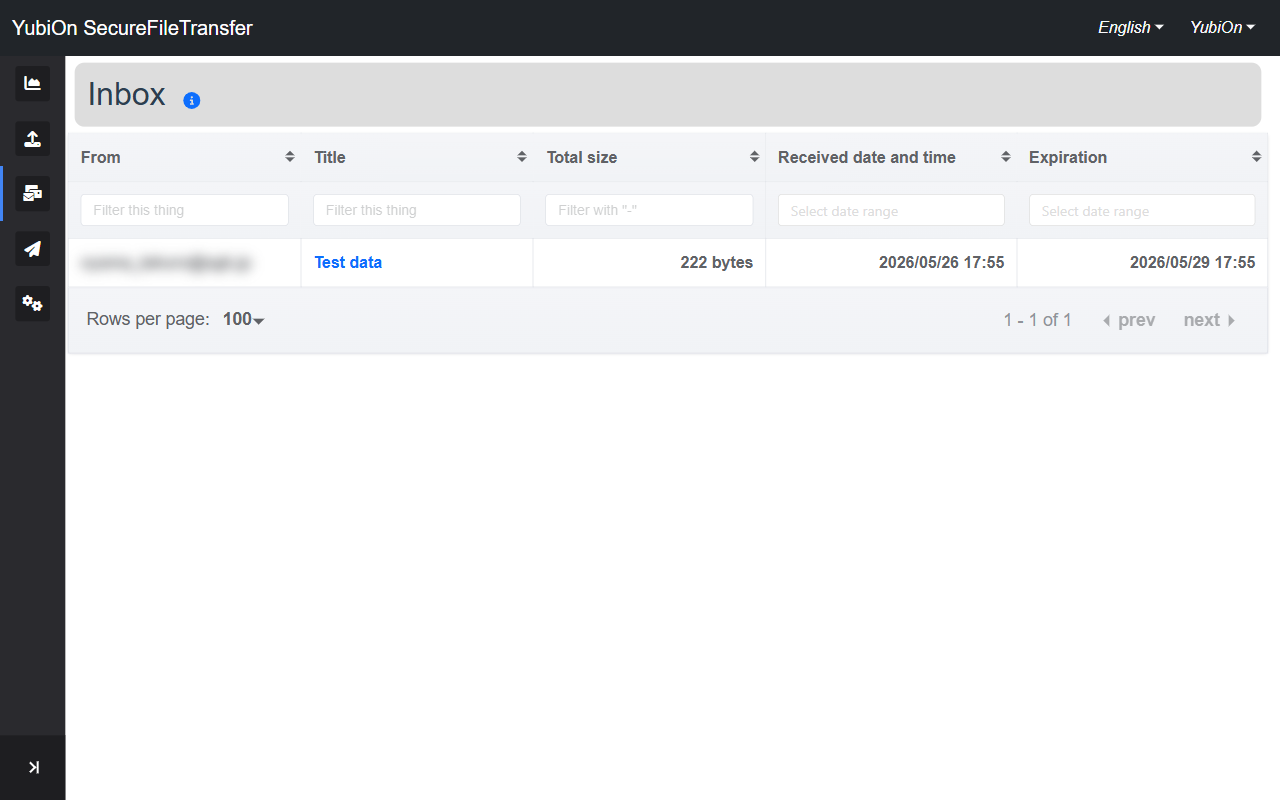
Basic Information
| Field | Description |
|---|---|
| From | Email address of the user who sent the file |
| Title | File set title |
| Expiration | Expiration date of the download URL |
Downloading
Click the "Download" button to start downloading the file.
- The file is downloaded as a ZIP archive
- A progress indicator is shown while downloading
- Extract the ZIP after downloading to access the files
Expired files
If the expiration date has passed, the download button is disabled. Ask the sender to resend the file.
Download count limit reached
If the sender's download limit has been reached, the file can no longer be downloaded. Contact the sender.
Encryption
If the sender selected Encryption, you will be prompted for a password when extracting.
Ask the sender for the password.
Detailed Information
Expand the "Details" section to view the following.
| Field | Description |
|---|---|
| Total size | Combined size of all files |
| Zip file hash(sha1) | Hash value of the entire ZIP file (for integrity verification) |
| Received date and time | Date and time the file was sent |
| Download page URL | URL of this page (copy button available) |
| Number of downloads possible | Maximum number of downloads set by the sender |
| ZIP Encryption | No encryption or Encryption |
File List
Lists the individual files contained in the archive.
| Column | Description |
|---|---|
| File name | Name of the individual file |
| File size | Size of the individual file |
| File hash(sha1) | Hash value of the individual file (for integrity verification) |
Verifying integrity with hash values
After extracting the ZIP, you can compare each file's hash value to confirm that the files have not been tampered with.
Downloading Without Login
If the sender chose "Unlimited", the file can be downloaded from the URL without logging in.
Detailed information is not displayed in that case.