User Settings
Manage your account settings.
Open this screen from "User settings" in the sidebar.
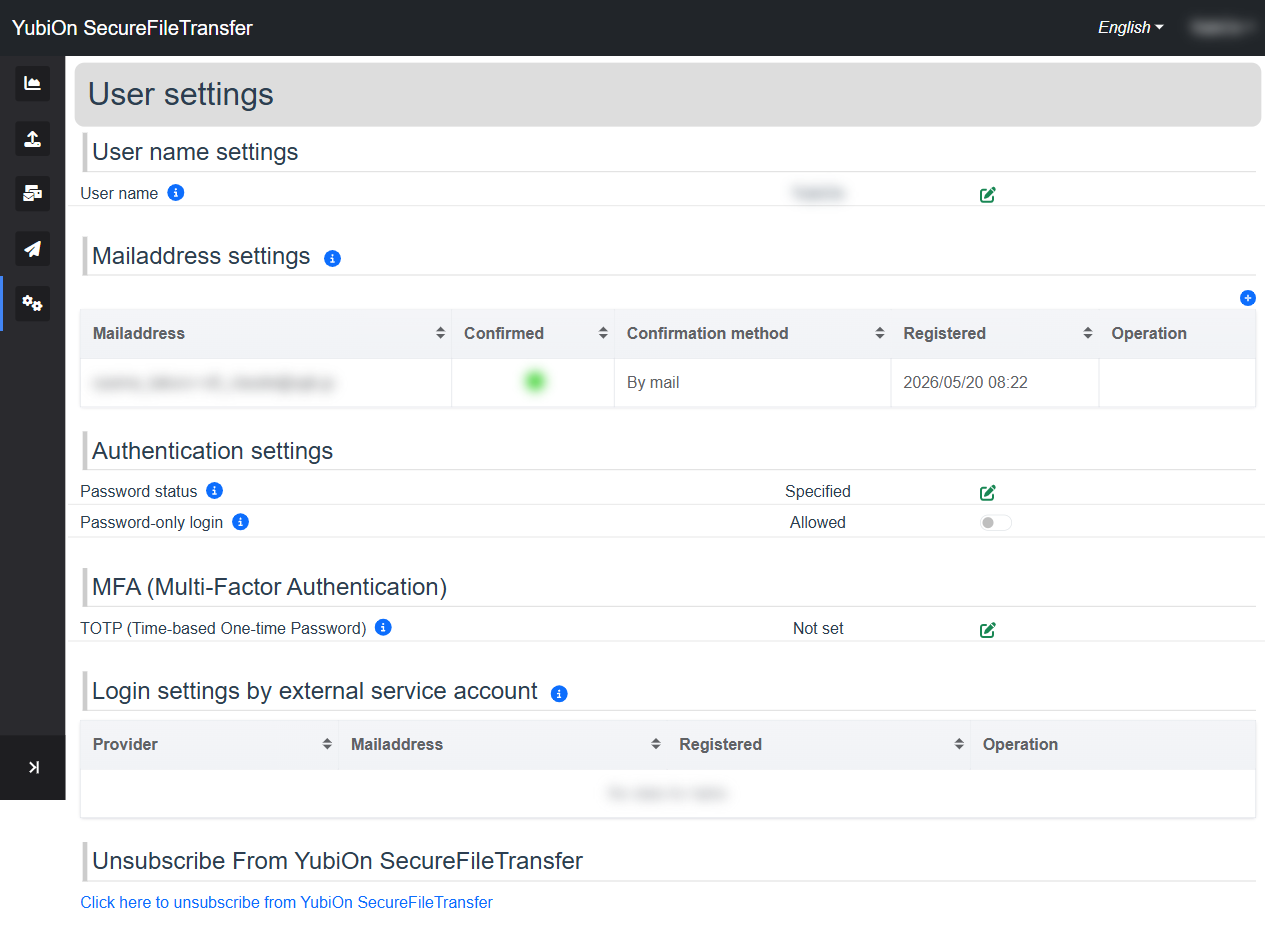
Settings
| Setting | Description |
|---|---|
| User name | Change your display name |
| Email Address Management | Add or remove email addresses |
| Password Settings | Change your password and configure login restrictions |
| MFA (Multi-Factor Authentication) | Set up one-time password authentication |
| External Provider | View your Google account connection |
| Account Deletion | Delete your account |